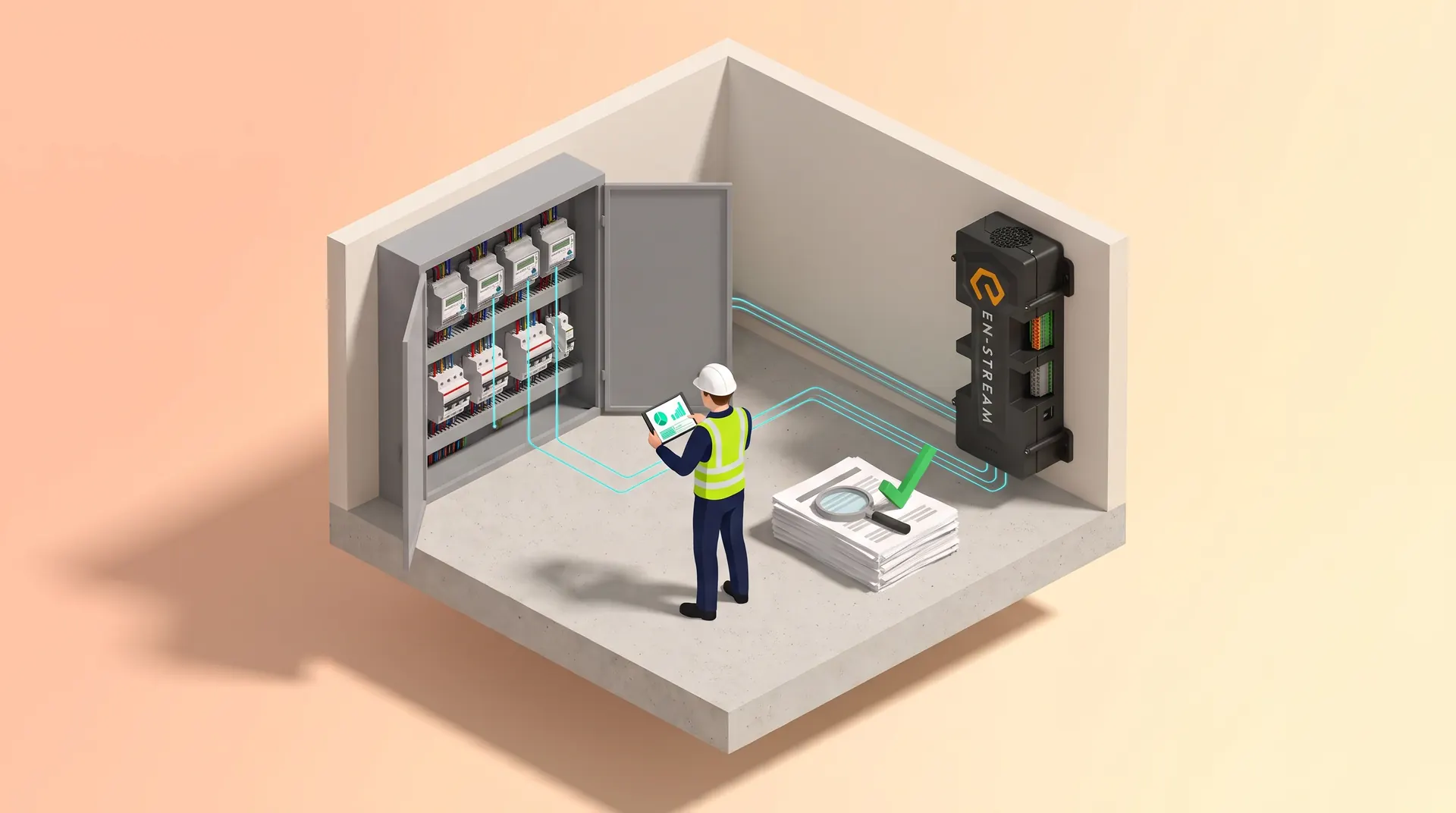

Modbus TCP vs Modbus RTU: how a gateway reads your meters and PLCs
Modbus TCP runs over Ethernet and Modbus RTU over RS485. See how they differ, which one your meters use and how a gateway bridges both.
- Published
- Reading time
- 10 min
On this page10 sections
Modbus TCP and Modbus RTU carry the same messages in different ways. RTU sends them over a serial RS485 cable, and TCP sends them over Ethernet. Your meters and PLCs speak one or the other, and a gateway sits between them and the platform.
This guide explains how the two differ, how to tell which one your devices use, how a gateway reads both, and what usually goes wrong on an RS485 line. The protocol figures come from the Modbus Organization's specifications [1][2][3]. The field advice comes from our engineering team.
What Modbus RTU and Modbus TCP have in common
Modbus is an application-layer messaging protocol in which a client asks and a server answers [1]. The serial-line specification calls the same two roles master and slave [2]. A device exposes its data as four kinds of item. Coils and discrete inputs are single bits. Input registers and holding registers are 16-bit words. Discrete inputs and input registers are read-only, while coils and holding registers can be read and written [1]. An energy meter normally publishes its voltage, current, power and energy in registers.
A request names a function code and an address. Function 03 reads holding registers and function 04 reads input registers, up to 125 registers in one request [1]. Values longer than one byte are sent most significant byte first [1]. All of this is the same on RTU and TCP, so the register map in a meter's manual applies to both.
Modbus RTU: serial and RS485
RTU runs over a serial line, most often two-wire RS485. It is a master-slaves protocol: one master at a time starts every exchange, and a slave never sends data without a request [2]. Each slave needs a unique address from 1 to 247. Address 0 is the broadcast address and gets no reply, and 248 to 255 are reserved [2].
An RTU frame holds the slave address (1 byte), the function code (1 byte), the data (0 to 252 bytes) and a CRC-16 (2 bytes). The largest frame is 256 bytes [2]. There is no start or end marker. Frames are separated by a silent gap of at least 3.5 character times, and a gap of more than 1.5 character times inside a frame marks it as incomplete [2]. Above 19200 bps the timers are fixed at 750 µs and 1.750 ms [2].
The serial settings must match on both ends. Each RTU character has 1 start bit, 8 data bits, a parity bit and 1 stop bit. Even parity is the required default, and the basic device profile starts at 9600 bps [2]. No parity and odd parity are also allowed, and no parity needs 2 stop bits [2]. Check what your meter is set to.
The physical limits are set too. A line always supports 32 devices without a repeater, and more are possible depending on each device's unit load and the line polarization. The maximum cable length is 1000 m at 9600 bps with AWG26 or thicker wire, and it shrinks as the baud rate and the number of devices go up [2].
Modbus TCP: Ethernet
Modbus TCP carries the same messages over Ethernet. A server listens on registered TCP port 502 [3]. Instead of the slave address and the CRC, each message starts with a 7-byte header, the MBAP header. It holds a transaction identifier (2 bytes), a protocol identifier (2 bytes, always 0), a length (2 bytes) and a unit identifier (1 byte) [3].
The client assigns the transaction identifier and the server copies it into the response. This lets the client match each response with its request, even when several requests are in progress on the same connection [3]. On a serial line the master waits for each answer before it sends the next request [3].
The unit identifier is mainly used when a gateway or bridge connects a Modbus TCP network to serial devices. The IP address identifies the gateway, and the unit identifier names the downstream device [3]. For a device that is directly on the network, the guide recommends 0xFF [3]. The largest TCP frame is 260 bytes: 253 bytes of message plus the 7-byte header [1]. Modbus TCP has no CRC field. The length field marks where each message ends, even when TCP splits it across packets [3]. Ethernet's own CRC-32 check [3] and the TCP checksum catch corrupted data.
Modbus TCP vs Modbus RTU side by side
| Item | Modbus RTU | Modbus TCP |
|---|---|---|
| Medium | Serial line, usually two-wire RS485 | Ethernet |
| Who starts an exchange | The single master | The client |
| Addressing | Slave address 1 to 247 | IP address plus a 1-byte unit identifier |
| Connection settings | Baud rate, parity, stop bits | TCP port 502 |
| Error check | CRC-16 in every frame | None in the frame |
| Where a frame ends | A silent gap of 3.5 character times | A length field in the header |
| Largest frame | 256 bytes | 260 bytes |
| Devices without a repeater | 32 always allowed | Set by the network |
| Cable | RS485 pair in a terminated daisy chain, 1000 m at 9600 bps on AWG26 | Ethernet cable and switch, usually up to 100 m per copper link |
The RS485 figures come from [2]. The 100 m copper-link figure is the usual Ethernet limit and is not a Modbus figure.
"RTU over TCP" is not Modbus TCP
Some devices and converters send RTU frames, CRC included, inside a TCP connection. This is often called RTU over TCP. The three Modbus documents do not define it. A client that expects the MBAP header will not understand those frames. If a device lists Modbus TCP in its manual, check whether it means the MBAP format before you connect it.
Which one do my devices use?
Look at the device and its manual:
- Terminals marked A and B, or D0 and D1, are an RS485 port. The device most likely speaks Modbus RTU.
- An RJ45 socket means Ethernet. Check the manual to see whether that port speaks Modbus TCP or another protocol.
- A device can have one port or both, so check each meter and PLC on its own.
Note the settings before you connect anything. For RTU you need the slave address, the baud rate, the parity and the stop bits. For TCP you need the IP address, the port and the unit identifier. For both you need the register addresses and data types from the manual.
How a gateway reads both
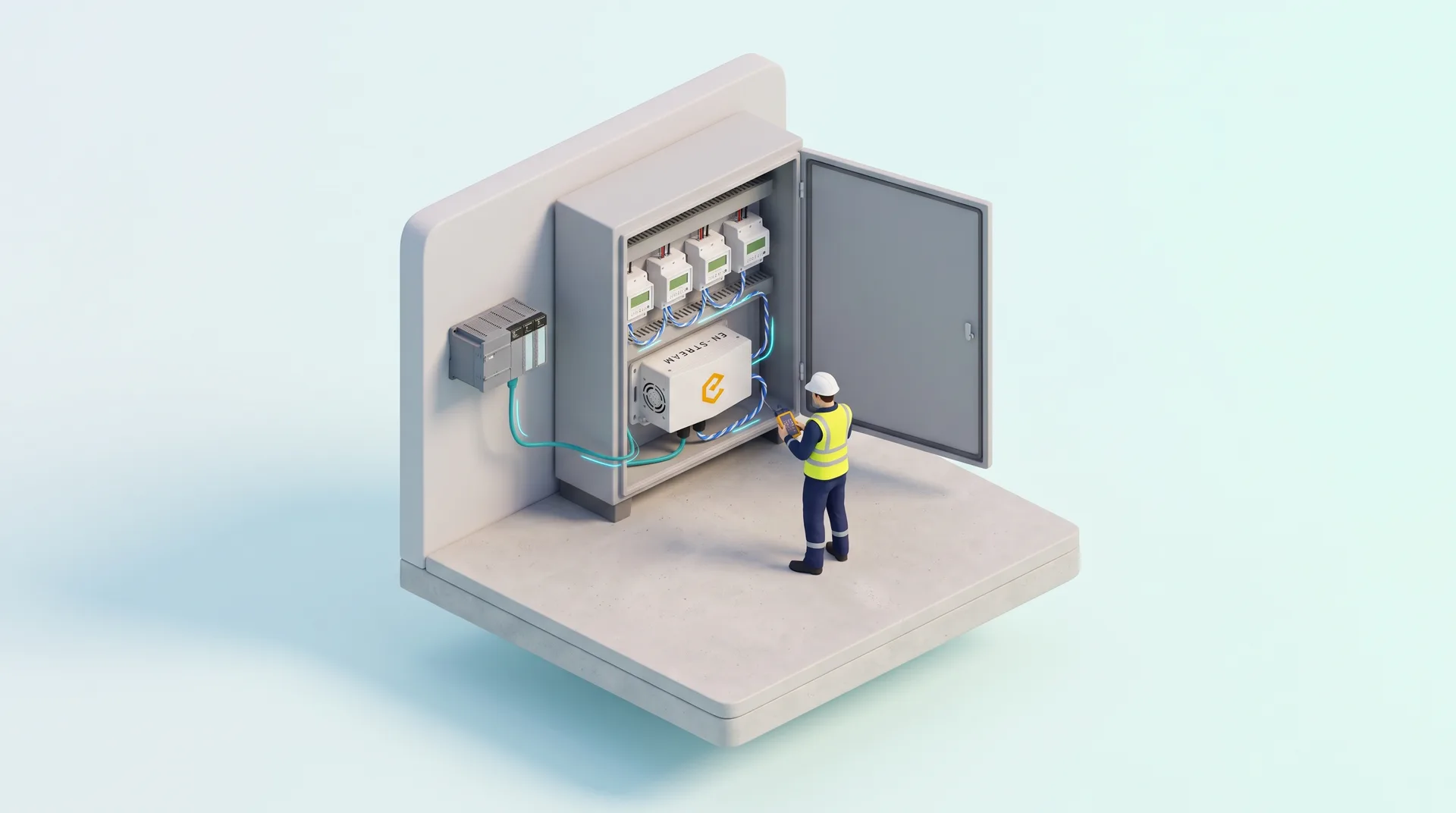
A gateway acts as the Modbus master or client. It asks each meter, drive and PLC for its registers and collects the answers. On RS485 it is the single master and starts every exchange. On Ethernet it opens a TCP connection to each device.
Both En-Stream gateways read over Modbus TCP and Modbus RTU. The ES-IGW-B1 is the data concentrator for meters, drives and PLCs, and it can also control equipment through a PLC over the same two protocols. The ES-IGW-E1 adds analog and digital inputs and relay outputs for transmitters, door contacts and switching. See the gateway comparison for the full specifications.
From the gateway, the readings go to the En-Stream platform over MQTT with TLS encryption, with HTTPS for large transfers. If the internet connection drops, the gateway logs the readings on its onboard SD card and sends them when the connection returns. Our guide to what drives the cost of an energy monitoring system explains how the number of metering points sets the scope of a project.
Four RS485 problems we see on site
These are the faults our engineers meet most often when they commission RS485 lines.
- A broken daisy chain. RS485 devices connect in one chain from device to device. A break or a bad joint between two devices cuts off every device after it. Check that the chain is continuous and wired properly from end to end.
- Garbage data. The devices are connected and answering, but the values make no sense. The usual cause is a missing termination resistor. Line terminations belong at each end of the trunk cable [2], and with several devices on the line they keep unwanted noise off the signal.
- Swapped polarity. The two signal wires are connected crossed. The standard names them D0 and D1, plus a common conductor, while many devices print A and B. Read the device manual before you wire it.
- A damaged module. When a device or converter has burned out, you get no data at all, not even garbage. Garbage means the device is alive and the line is the problem. Silence points to the device or a break in the wiring.
Two more checks cost nothing. The slave address must be unique on the bus [2], and the baud rate and parity must match on both ends. For long runs, use proper RS485 cable.
FAQ
Can one gateway read both Modbus RTU and Modbus TCP devices?
Yes. Both En-Stream gateways read over Modbus TCP and Modbus RTU (RS485), so serial meters and Ethernet PLCs can feed the same platform.
How many devices can I put on one RS485 line?
Modbus always allows 32 devices without a repeater, and more depending on unit load and line polarization [2]. The real number for your site depends on the devices and the cable, and En-Stream's engineers size it with you.
How far can an RS485 cable run?
Up to 1000 m at 9600 bps with AWG26 or thicker wire, and less as the baud rate or the device count rises [2].
What is port 502?
It is the registered TCP port that a Modbus TCP server listens on [3]. Check your device's manual for the port it uses.
Sources
- Modbus Organization, MODBUS Application Protocol Specification, V1.1b. modbus.org/modbus-specifications (opens in a new tab)
- Modbus Organization, MODBUS over Serial Line, Specification and Implementation Guide, V1.02, 20 December 2006. modbus.org/modbus-specifications (opens in a new tab)
- Modbus Organization, MODBUS Messaging on TCP/IP Implementation Guide, V1.0b, 24 October 2006. modbus.org/modbus-specifications (opens in a new tab)
Shan has 8+ years of experience in embedded firmware, PCB and circuit design, and IoT communication protocols such as MQTT, BLE and Wi-Fi. He builds the hardware and firmware that connect En-Stream gateways to meters, sensors and machines on the shop floor.
Follow on LinkedIn (opens in a new tab)